You want “free” streaming, but you also want zero ads
You open a “free” streaming app, hit play, and within minutes you’re watching the same ad break you were trying to escape. That’s not bad luck—it’s the business model. Most “free” video services are really ad-supported TV, just delivered through an app instead of an antenna.
Truly ad-free streaming for $0 usually comes from one of three places: your public library (Kanopy or Hoopla), public-domain catalogs, or short free trials of paid services. Each works, but each has a catch—library access and monthly limits, older titles, or strict cancellation timing. The goal is picking the right “free” for tonight.
Spot the traps: when “free” really means commercials
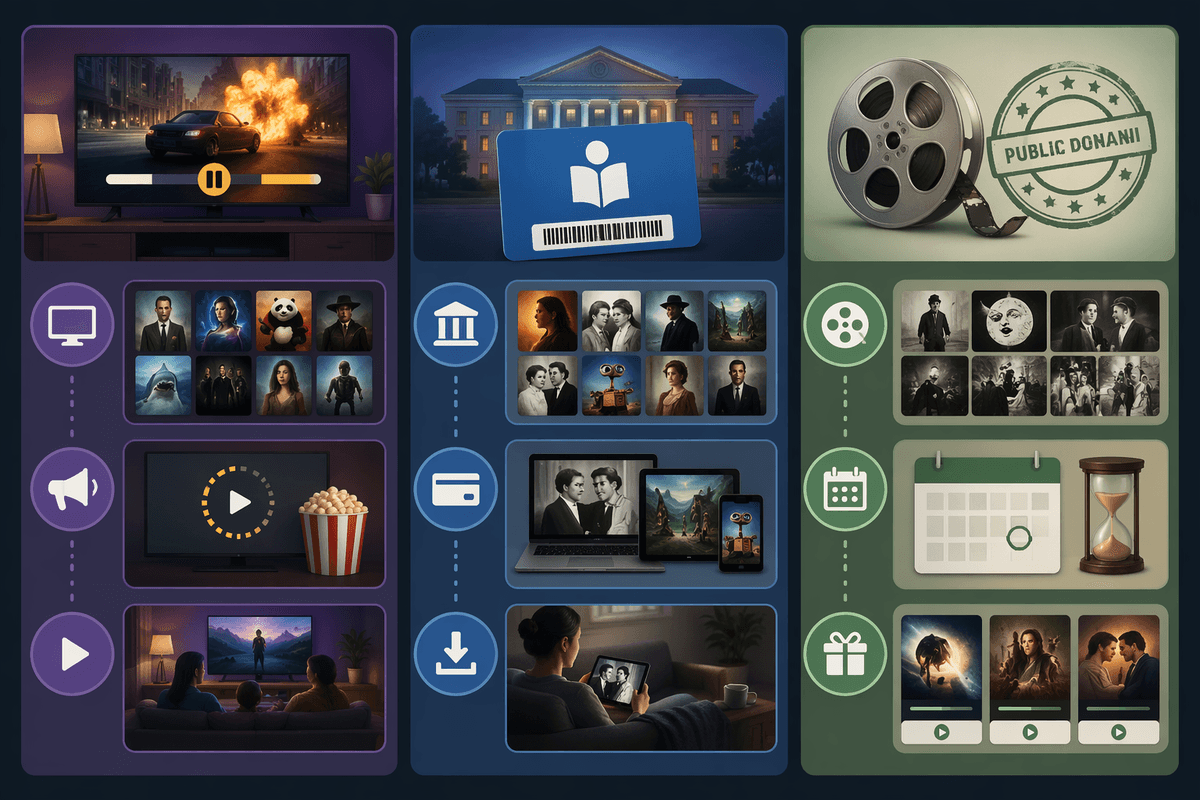
You search “free movies,” install the first app with a big catalog, and the “Play” button is really a ticket into pre-roll ads, mid-roll breaks, and banner ads on every screen. If a service doesn’t ask for a credit card or a library login, it almost always has to make money another way, and ads are the default.
Two quick tells save time. Look for labels like “FAST” (free ad-supported streaming TV) or “live channels”—those are built around commercial breaks. Then check the app-store screenshots and reviews for phrases like “ad every 10 minutes” or “unskippable.”
Genuinely ad-free for $0 is narrower: library-backed apps (Kanopy/Hoopla), public-domain sources, or trials. The downside is real—limits on monthly borrows, older catalogs, or a cancellation deadline—so it pays to know which lane you’re in before you sign in.
Do you have a library card? This is the easiest ad-free win
You sit down to stream, you don’t want ads, and you also don’t want to babysit a cancellation date. In the U.S., the simplest way to do that is often already in your wallet: a public library card. Many library systems include free streaming access you can use on a phone, tablet, or smart TV app, and it’s typically ad-free because the library covers the cost through its digital services budget.
Setup is straightforward: install the library-backed app, pick your library, and sign in with your card number (sometimes a PIN). If you don’t have a card, many libraries let you apply online and start with a digital card the same day, though some require an in-person visit to unlock everything.
The catch is availability and limits. Not every library pays for the same services, and most set monthly caps (think a limited number of plays or borrows). When you hit the cap mid-month, you’re done until it resets—so choosing between Kanopy and Hoopla matters.
Kanopy vs Hoopla: which one fits tonight’s mood?
You pull up Kanopy and Hoopla and realize they feel like two different kinds of “free.” If you’re in the mood to browse like a film buff—indie movies, documentaries, and a lot of “critically respected” picks—Kanopy usually fits better. It tends to be curated, and it’s great when you want something solid without scrolling forever.
If you want something more mainstream for a casual night—popular movies, TV seasons, and sometimes audiobooks or comics in the same app—Hoopla often feels closer to a general streaming service. The catch is that Hoopla is usually built around monthly borrows. Kanopy is often built around monthly plays, and some libraries also block certain high-demand titles.
Before you commit, check your library’s monthly limit inside each app, then pick the one that matches how you’ll watch the rest of the month.
No library access? Try public-domain streaming with caveats
You’re ready to hit play, but you don’t have a library card (or your library doesn’t support Kanopy/Hoopla). The closest true $0, ad-free lane is public-domain streaming: movies and shorts old enough that the copyright has expired, so nobody needs to fund the stream with commercials.
Three realistic options: the Internet Archive’s video library, Public Domain Movies (web-based collections), and public-domain sections inside apps like Plex (filter carefully—Plex’s “free movies” are usually ad-supported, but some public-domain titles aren’t). On a TV, casting from a phone is often the simplest setup when there isn’t a dedicated, polished app.
The caveat is the catalog and the quality. Expect lots of older films, uneven transfers, and occasional missing subtitles. If tonight’s goal is “something new,” this won’t scratch that itch—so the next best move is a short trial you can cancel on time.
Want newer shows anyway? Use trials without getting charged
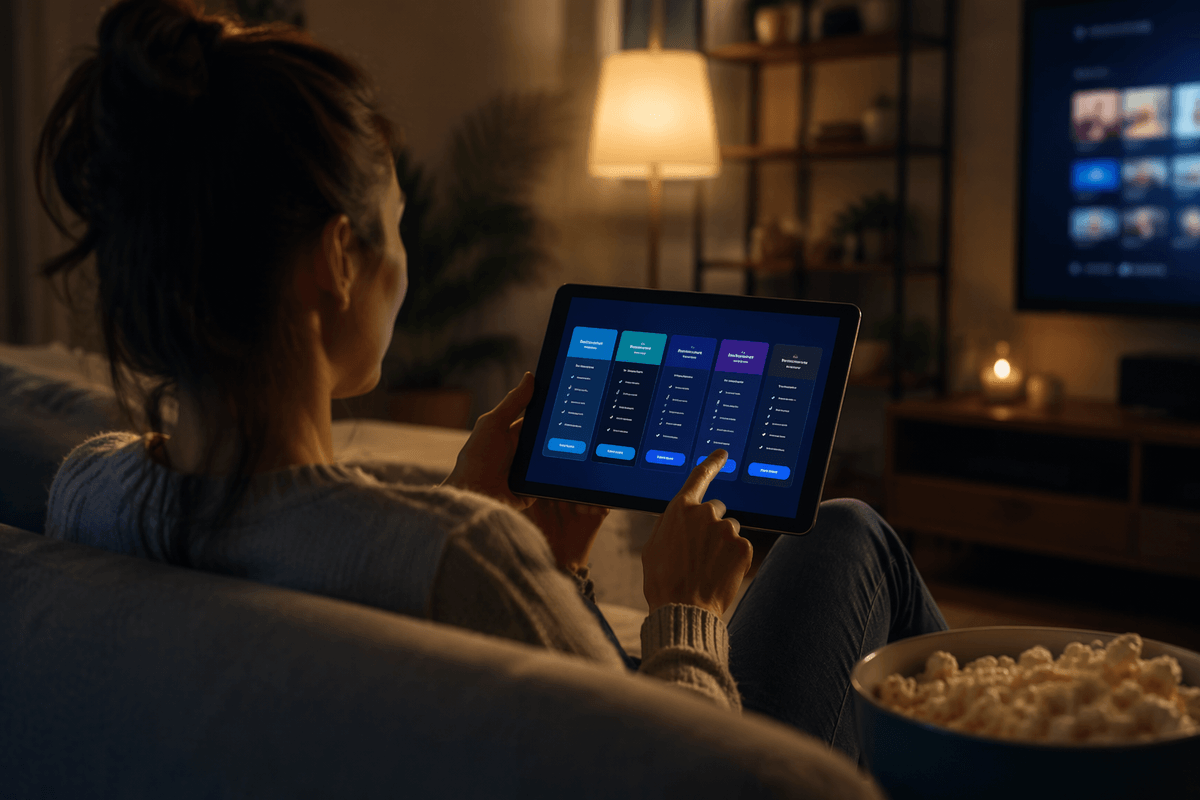
You find the show you actually want, and it’s sitting behind a paywall. In that case, a short trial can be the cleanest way to stream ad-free tonight—because you’re using the same ad-free plan paying customers get, just for a limited window. The mistake is treating “start free trial” like a button you can press and forget.
Before you subscribe, do three things. Pick one service for one night (stacking trials gets messy fast). Use a calendar reminder for the cancellation deadline the moment you sign up—set it for the morning before it renews, not the evening of. Then confirm you’re on the ad-free tier: some services offer a “trial” only on an ad-supported plan, or they push the cheaper plan by default on the sign-up screen.
The real cost is attention. If you forget, you’ll get charged, and refunds are inconsistent. If you share accounts with family, someone can restart a subscription after you cancel. The simplest approach is one trial, one binge, one cancellation—then back to library or public-domain picks.
Pick your best option in two minutes and start streaming
You’re standing in the app store, thumb hovering, and the fastest path is the one that matches what you have right now. If you have a library card, download Kanopy or Hoopla and sign in—ad-free, no billing, but you’ll hit a monthly play/borrow cap. If you don’t, use a public-domain source (Internet Archive or a public-domain collection) and plan to cast from your phone; the catalog skews old and quality varies. If you want a newer show tonight, use one free trial on an ad-free tier, set a cancel reminder for the morning before it renews, and stop there.