You missed the game again—here’s the DVR reality
You get home, open your sports app, and the game is already in the fourth quarter. You assume your “DVR” has you covered—until you can’t find the recording, it cut off early, or it vanished after a few weeks. That’s the modern live-TV DVR reality: it works, but it’s ruled by limits that don’t look like the cable box you remember.
Some services cap how many hours you can save. Others keep recordings only for a set number of days. And even when a service says “unlimited,” that can still come with rules about which channels count and what you can skip. Getting clear on those rules is the difference between time-shifting and starting from highlights.
What “unlimited DVR” actually means on live TV
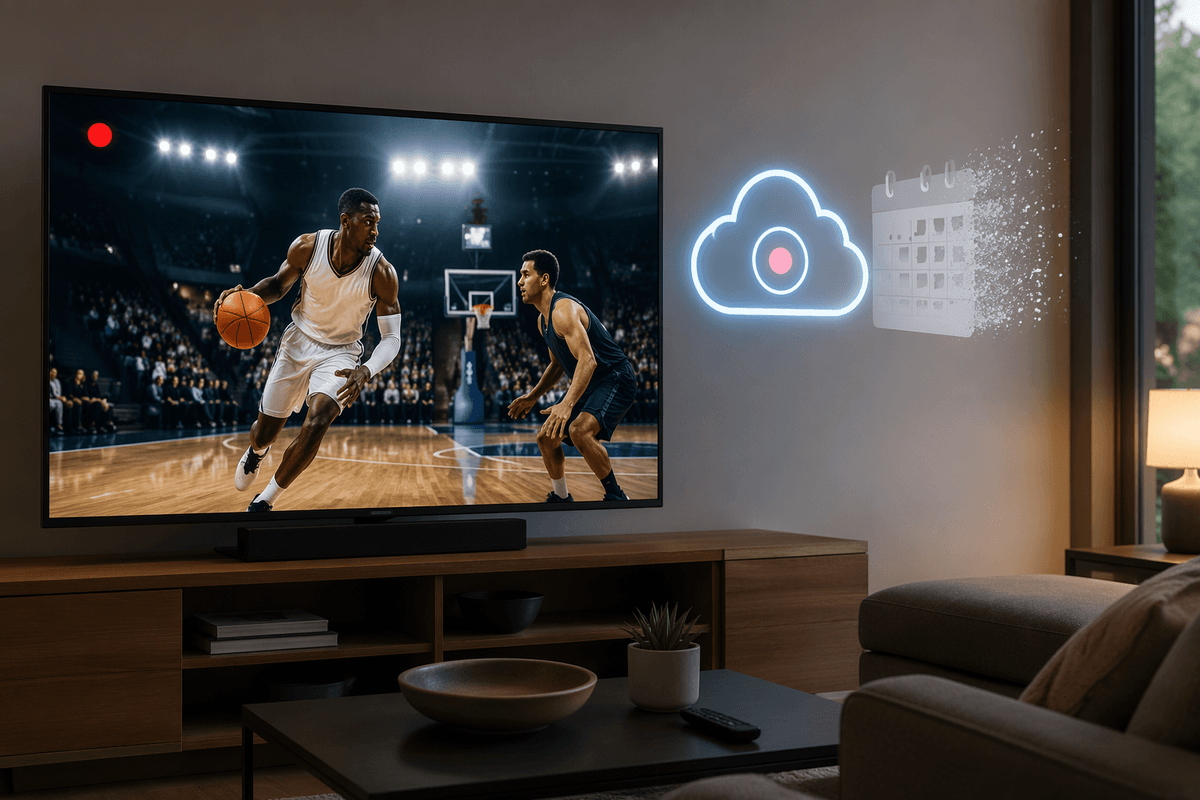
You hit “record series,” feel done with it, and then discover “unlimited” doesn’t mean “keep everything forever.” On most live TV streamers, unlimited DVR usually means there’s no hour cap on how much you can record at once. It’s closer to an unlimited inbox than a bottomless hard drive: you can save a lot, but messages can still expire.
The catch is the clock. Many services auto-delete recordings after a set window (often months, not years), which matters if you like to binge a season later or rewatch big games. There can also be eligibility rules—some add-ons, local channels, or certain networks may not record the same way—and playback rules that affect skipping ads.
Once you know whether “unlimited” refers to space, time, or both, the service list starts to make sense.
The six services with unlimited DVR in 2026
You’re usually choosing between two promises: “record everything” and “don’t make me babysit storage.” In 2026, the big live-TV options that advertise unlimited DVR (no hour cap) are YouTube TV, Hulu + Live TV, Fubo, DIRECTV (via Internet/STREAM), Philo, and Frndly TV.
The practical catch is that most of them still run on an expiration window, not permanent storage. YouTube TV keeps recordings up to 9 months, Hulu + Live TV up to 9 months, Fubo up to 9 months, and DIRECTV up to 9 months.
Philo stands out with recordings saved for a full year, while Frndly’s unlimited DVR depends on plan (Classic: 3 months; Premium: 9 months). The other real-world snag is fit: Philo and Frndly are cheaper, but they’re not built for locals and big sports, and DIRECTV can cost cable-level money.
Before you switch, check the storage clock
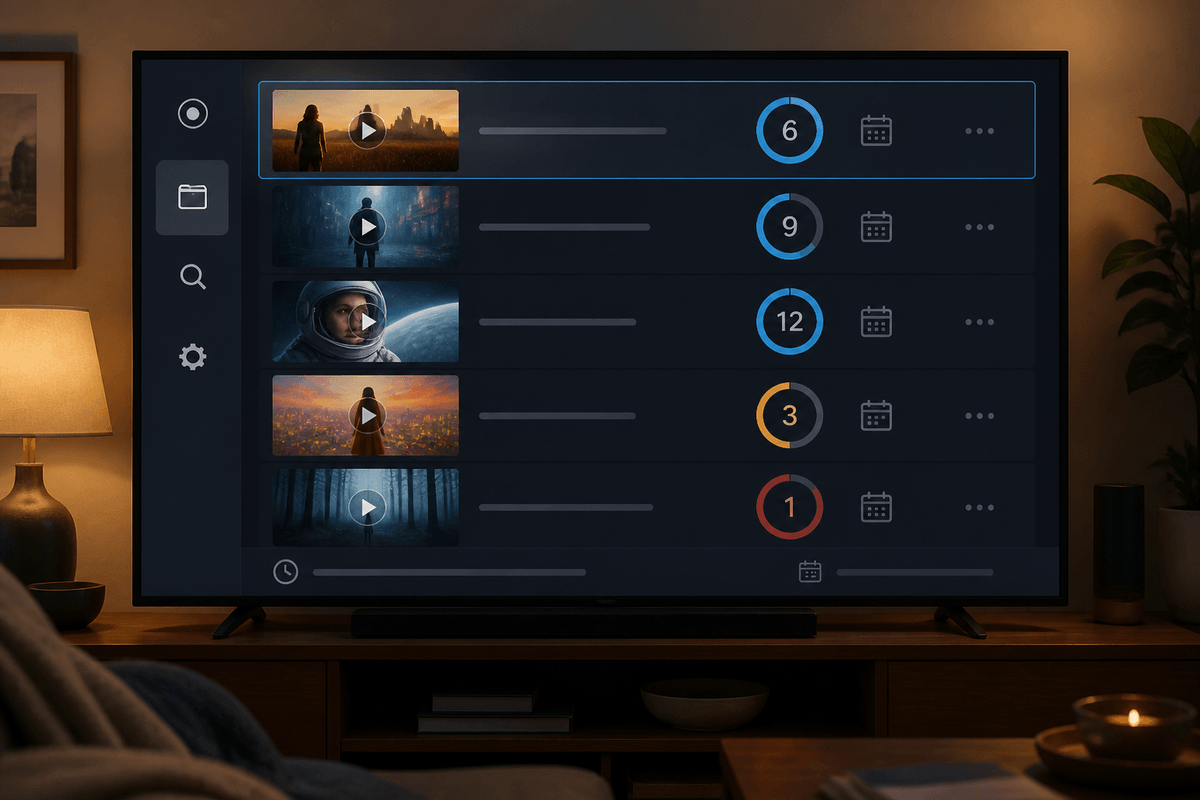
You notice the problem the first time you “save” something for later and it’s gone when you finally have a free night. That’s the storage clock in action: the DVR may be unlimited in hours, but it still behaves like a timer that starts at record time and never pauses.
If you mostly watch within a week, a 9‑month window feels generous. If you bank a whole season to binge during the holidays, or you like to rewatch playoff runs, that same window becomes a real deadline. Put your habits on it: count how far behind you typically get on shows, and how often you keep recordings “just in case.” Then check whether the service resets the clock when you re-record an episode, or if the oldest copy still expires on schedule.
Once the timing works, the next make-or-break detail is what happens when you hit fast-forward.
Can you fast-forward, or are ads locked in?
You’re ten minutes behind on a game, you start the recording, and your thumb goes straight to the skip button. Sometimes it works like the old cable DVR. Other times the app snaps you back into the ad break, or it won’t let you jump past certain spots at all. That isn’t a glitch—it’s a rights and playback rule that can vary by network, by program, and even by how the show was delivered (live recording vs. on-demand version).
The practical result is simple: “unlimited DVR” doesn’t guarantee “unlimited skipping.” A service might let you fast-forward most channels but lock ads on selected content, especially on-demand libraries that sit beside your recordings. It can also change when you watch on mobile versus a TV app, or if you’re using a “catch-up” tile instead of the DVR tab.
If skipping commercials is part of how you stay caught up, you’ll want to test this before you commit to a long season.
Match DVR perks to how you watch every week
You sit down on Tuesday night and have a choice: catch up fast, or let a backlog pile up. If you usually watch within a day or two, “unlimited” mostly means you can set every show and game to record without doing math. You care more about reliable series recording and clean starts than a 12-month archive.
If you run one to two weeks behind, the storage window starts to matter in a real way. A 9‑month clock is fine, but only if the service doesn’t quietly push you into the on-demand version where ads may be locked. Pick a service where your recordings stay in the DVR lane, and test a recent episode on the same device you use most.
If your week revolves around sports, prioritize two things: recordings that don’t cut off at the end of a live event, and fast-forward that behaves the same on TV and mobile. Then you can decide which service is the least likely to break your routine.
Choose the service that fails you the least
You’ll feel the difference on the first “busy week” when three shows stack up, a game runs long, and you watch on a different device than usual. If you want the simplest set-it-and-forget-it DVR, start with YouTube TV or Hulu + Live TV and confirm the one thing that can still trip you: whether your playback stays on the DVR recording instead of sliding you into an on-demand version with locked ads.
If price is the constraint, Philo (year-long storage) or Frndly can work, but only if you’re okay living without major sports and many locals. And if you’re paying DIRECTV-level money, make sure the channel lineup and skip behavior justify it—because “unlimited” won’t fix a service you avoid opening.