When the iPad Starts Taking Up Too Much Space
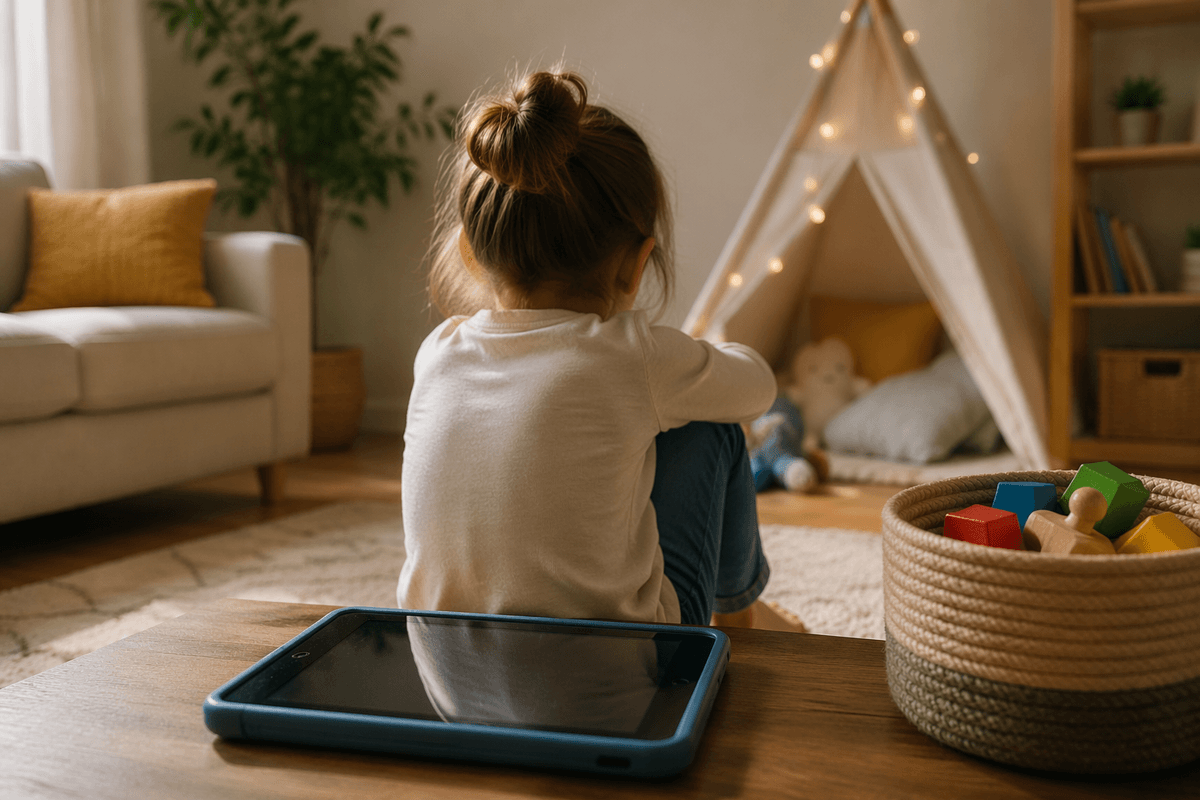
It usually does not look like a big problem at first. The iPad helps during dinner, buys time on a long car ride, and keeps the peace when a parent needs ten quiet minutes. Then you notice how often it comes up. Your child asks for it before breakfast, melts down when it ends, or shrugs at toys they used to reach for on their own.
That shift matters because the device is no longer just one option. It is starting to become the fast answer to boredom, waiting, stress, and handoffs. Once that happens, limits feel harder to hold, especially on tired weekdays when everyone wants the easiest choice.
What Keeps Making It the Household Default
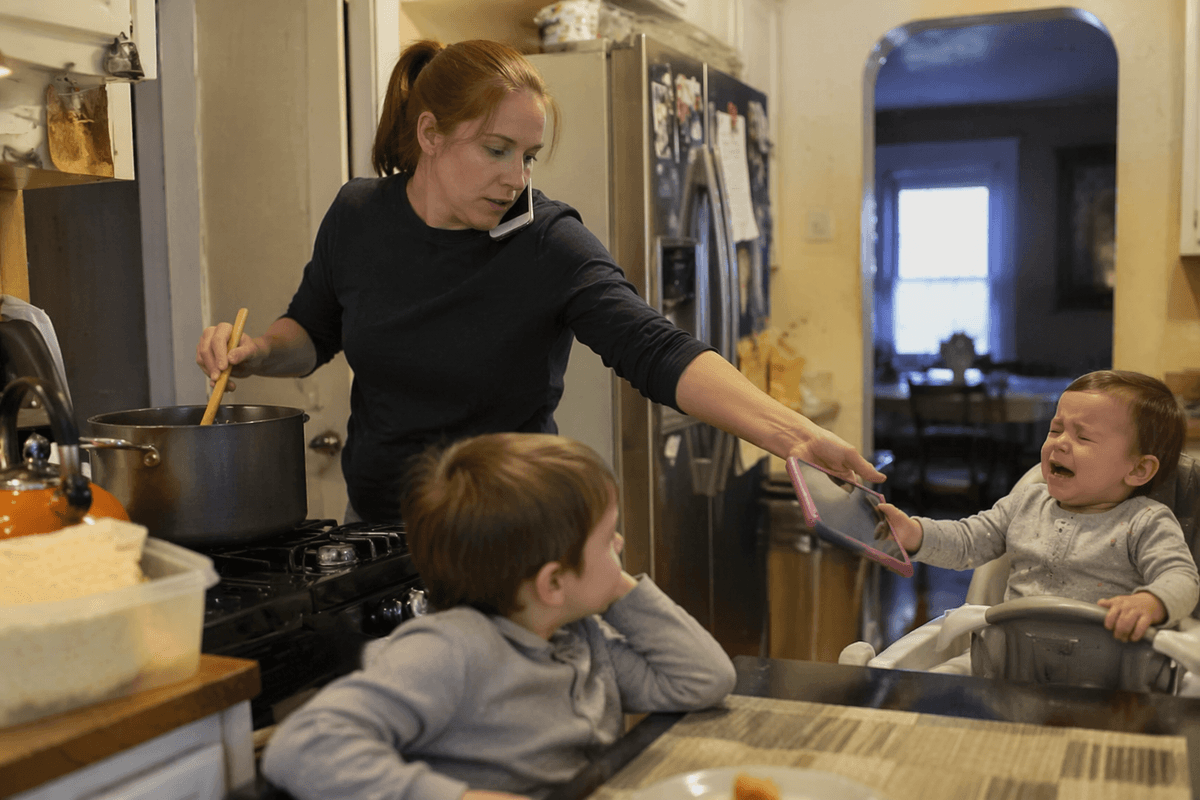
It often becomes the default in ordinary moments, not special ones. A parent is on a call, dinner is half-cooked, one child is upset, another is waiting, and the iPad solves the problem fast. If it works in enough of those pressure points, the pattern gets set. Your child learns that boredom, frustration, and waiting usually end the same way.
That does not happen because parents are lazy. It happens because the device is portable, reliable, and easier to offer than setting up blocks, getting outside, or staying through a rough patch. The hard part is that each individual use can seem reasonable, while the total effect is bigger than it looks. A few minutes during pickup, before dinner, and after bath can quietly turn into the answer for every low point in the day.
Once that pattern is in place, “no” starts to feel random unless the routine does the work.
So What Counts as a Reasonable Screen Routine?
A reasonable routine usually looks plain, not optimized. Screen time happens at set times your child can learn, and it stays out of the moments where asking tends to explode. For many families, that means one predictable window after rest time, after school, or while dinner is being made, rather than scattering short sessions across the whole day. If the iPad shows up in the car, during errands, before bed, and whenever a parent needs a minute, it starts to feel available all the time.
The limit has to fit real life or you will abandon it by Thursday. A single 20- to 30-minute slot is often easier to hold than several “just a few minutes” decisions. The goal is not perfect balance each day. It is making access boringly consistent so your child stops treating every transition as a fresh negotiation. That only works if the routine is clear before the next request arrives.
Predictability Matters More Than Case-by-Case Decisions
It usually breaks down at 3:40 p.m., not during a calm family meeting. Your child asks, you weigh how tired everyone is, how much is left before dinner, whether they already had some, and whether saying no is worth the blowup. That kind of deciding sounds flexible, but to a young child it often feels random. If the answer changes based on mood, urgency, or parent energy, asking becomes a smart strategy. There is always a chance it will work this time.
A predictable rule lowers the temperature because the decision is already made. “We use it after school for 25 minutes” works better than “maybe later” or “let me think about it.” The rule also helps adults stay steady when the day gets messy. You do lose some convenience. There will be moments when giving it early would make life easier. Still, a routine your child can guess is what starts cutting down the repeated asking.
Then the Asking Starts Again Five Minutes Later
Once a child learns that asking sometimes changes the answer, the requests keep coming. Not because they are trying to wear you down in some calculated way. They are testing whether this moment is different from the last one. If the rule is “not now” instead of “after school” or “tomorrow,” the question stays open, so they come back five minutes later and check again.
This is where many parents start explaining too much. They defend the no, soften it, offer three other options, then reopen the whole conversation by sounding unsure. A shorter response usually works better: “iPad is after dinner,” then stop negotiating. Calm matters more than warmth piled on top of the limit. If you sound hesitant, some kids hear that as movement.
The first few days can get louder, not easier. That does not mean the plan is failing. It often means the old pattern is still being tested before it starts to fade.
Turning It Off Is Where Things Fall Apart
The roughest moment is often not being told no. It is the moment the screen actually ends. A child who accepted the routine at the start can still fall apart when the video stops, the game closes, or the timer goes off. That happens because stopping is its own skill. Fast, rewarding content does not prepare a tired child to shift calmly into homework, bath, or free play.
This is why the shutdown needs its own plan. Give a clear warning, end the same way each time, and move straight into something known: snack, outside time, Lego at the table, help stirring dinner. If the next step changes every day, the gap after the iPad gets harder to cross. Many parents also wait too long, ending it right when they need full cooperation. That is when the blowup costs the most.
If everything after the screen feels flat by comparison, that is the next problem to solve.
If Everything Else Feels Boring, What Now?
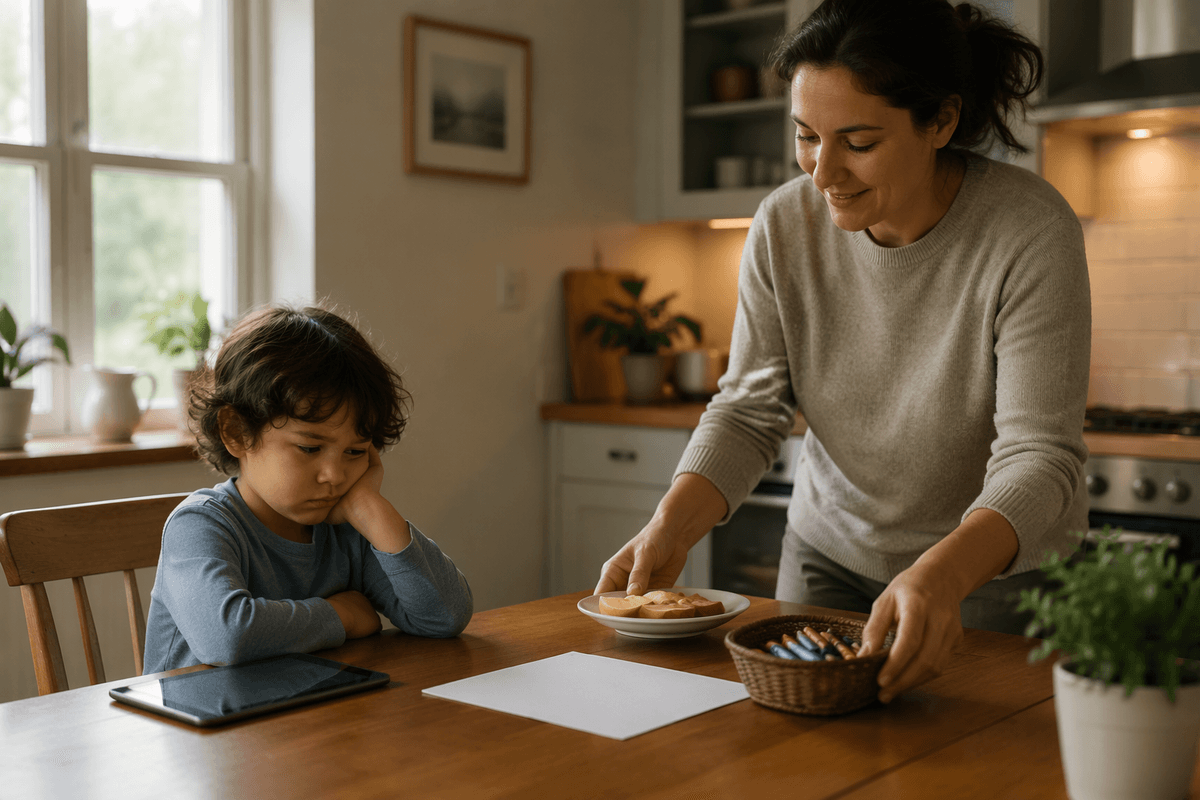
This shows up in a familiar way: the iPad ends, you suggest blocks, crayons, or going outside, and your child rejects all of it in ten seconds. That does not always mean those activities stopped being enjoyable. It often means they no longer compete well right after a fast, easy screen. If you want other play to come back, it helps to make the next option simpler to start and easier to stick with. Put out one puzzle, one bin of Magna-Tiles, water at the sink, or a snack and coloring at the table. Do not offer six choices.
There is a practical limit here. You may need to help them get started for ten minutes, especially at first. Independent play rarely springs back on command after weeks of easy screen access. The goal is not to make dolls or sidewalk chalk feel as intense as a tablet. It is to help your child relearn how to get over the first hump of boredom, which is where your own role starts to matter.
The Goal Is Less Power, Not Zero Screens
A workable plan does not require making screens forbidden or rare enough to feel magical. It requires shrinking their job. If the iPad stops being the fix for boredom, waiting, upset feelings, and every tight part of the day, it loses some of its pull. That is the shift to aim for. Keep it in a predictable place, use it for a narrow window, and let some ordinary moments stay a little inconvenient.
Your child may still complain. Some days will still go sideways. But “less powerful” is a real win, because it gives the rest of home life room to work again.