A full calendar can still leave you reactive
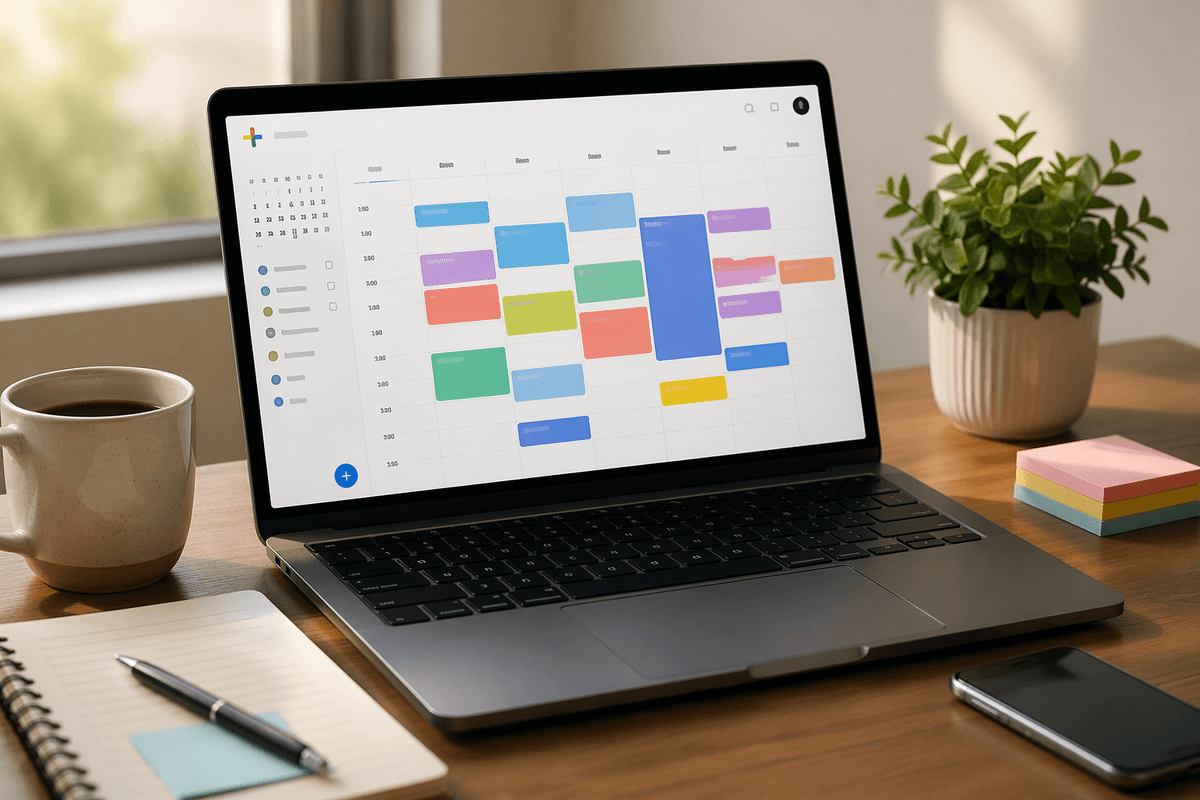
You can look at a packed Google Calendar and still spend the day scrambling. A meeting moves, a school pickup never made it onto the calendar, a reminder fires too late, and the hour you meant to use for real work disappears into small repairs. The problem is not always a lack of planning. Often, the calendar is only storing events, not helping you make choices.
That gap shows up in familiar ways: double-booked afternoons, focus time that gets taken first, and too many tiny decisions about where something should go. A useful calendar needs to do more than hold time. It needs to shape it.
What deserves a spot on your calendar?
Most people put meetings on the calendar and leave everything else in their head. That works until the day fills up. Then the work that actually needs time, like writing a proposal, reviewing numbers, or making three important calls, gets squeezed between meetings and handled badly or late.
A simple rule helps: if something must happen at a certain time, needs protected time, or carries a real cost if you forget it, it belongs on the calendar. That includes appointments, pickup windows, prep time before a big meeting, and focused work that cannot survive constant interruption. What does not need a time block can stay on a task list. If you put every small to-do on the calendar, it turns into visual noise and you stop trusting it. The next step is making all of that visible without creating a mess.
Seeing work and life together without the clutter
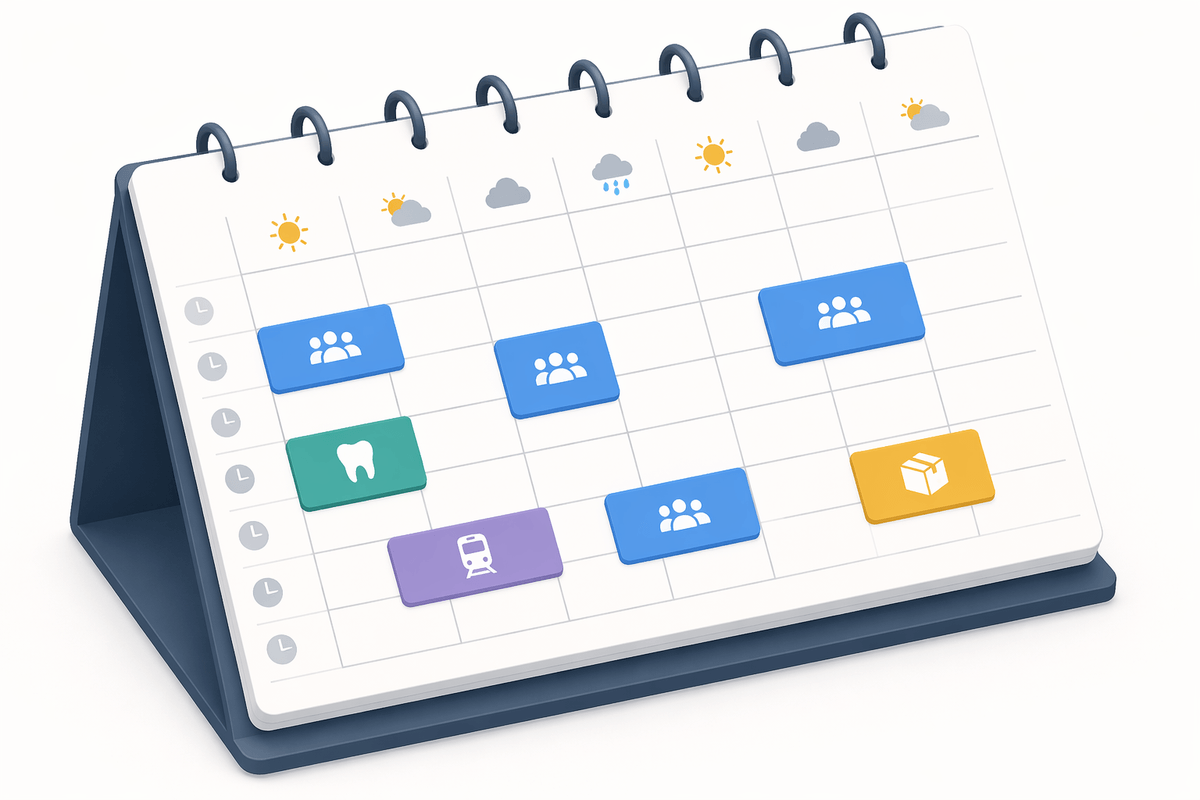
If your work calendar looks clean only because your personal obligations live somewhere else, you are still planning with missing information. A dentist appointment at 3:30, a 5:00 train, or a delivery window at home can make a late meeting just as unrealistic as another meeting would. Put both work and personal calendars in one view, but keep them visually separate with simple color choices you can read at a glance. You do not need six shades and a legend.
The goal is context, not a scrapbook. Show the calendars that affect real decisions, then hide the rest. Birthdays, optional team calendars, and old subscribed calendars often add enough noise that you stop noticing the blocks that matter. If a view feels busy, it usually is. Clean that up, and the patterns causing rushed days become much easier to spot.
Your event defaults may be training bad habits
A cluttered view often starts with settings you stopped noticing. If every new event gets the same length, the same alert, and a blank title field, you end up reinforcing sloppy planning. A 30-minute default can quietly turn a 12-minute check-in into half an hour on the calendar. One pop-up reminder five minutes before a call might help for routine meetings, but it fails for anything that needs travel, setup, or prep.
Tighten the defaults so the easy choice is the better one. Shorten your default meeting length if most of your meetings run brief. Add a second reminder for events that need lead time. Use working location, conferencing, and color only when they change a real decision. The point is not perfection. It is reducing the number of small mistakes you keep repeating, which matters even more when you start protecting focus blocks.
Block focus time before someone else does
If you wait to see what is left after meetings land, focused work usually gets the worst hours or no hours at all. The common pattern is easy to recognize: your morning starts clear, a few invites arrive, and by noon the only open time sits in broken pieces between calls. That is rarely enough for work that needs a real run, like drafting, analysis, or hard decisions. Put those blocks on the calendar first, while the week still has shape.
Make the blocks specific enough that you will defend them. “Focus time” is better than nothing, but “Q2 budget review” or “write client proposal” gives you a reason not to give the hour away. Keep the block long enough to survive startup time. Forty-five minutes may work for email cleanup; deep work often needs 90. Some teams will still treat any blank-looking slot as available, so mark blocks busy when needed and place them where interruption is least likely. Once those hours are protected, the real problem becomes the meetings that break the rest of the day.
When meetings scatter the whole middle of the day

A day with only three meetings can still feel unusable if they land at 10:00, 12:00, and 2:30. On paper, you have open time. In practice, you have fragments. By the time you settle into real work, you are watching the clock again. That is why scattered meetings drain more than a packed morning or a packed afternoon. The gaps look free but often are not long enough to start anything important.
When you can control it, push meetings toward one side of the day or stack them back to back with short buffers. If you schedule often, offer narrower windows instead of your entire day. If a team meeting keeps floating, give it a fixed home. You will not always win; other people’s calendars, time zones, and urgent requests get in the way. But the more you compress the interruptions, the more usable time you create for everything else, including the small commitments that still need a place.
Where do the tiny commitments actually go?
The trouble usually starts with the ten-minute obligations that are easy to dismiss: send the form before noon, call the pharmacy, review the agenda before a client meeting, leave early for pickup. They are too small for a big block, but too important to trust to memory. If you leave them off the calendar entirely, they slip. If you add each one like a normal event, the day turns into a wall of boxes.
Give these items a lighter structure. Use short blocks for time-specific errands, and put prep where it belongs: directly before the event it supports. For reminders that do not need reserved time, use tasks or a brief hold with a clear label. Keep the rule simple so you do not debate every item. You will still need judgment on crowded days, especially when small personal commitments keep landing inside work hours. That is where fewer default choices start making the whole week easier to run.
A calmer week starts with fewer calendar decisions
The week gets easier when the calendar stops asking you the same questions over and over. Pick a few rules and let them carry the load: one place for personal commitments, one color logic you can read fast, default reminders that arrive early enough to act, and a standard way to block focused work. That removes dozens of tiny choices before Monday even starts.
You will still adjust for deadlines, travel, and other people’s schedules. But fewer open decisions means fewer chances to forget prep, accept a bad meeting slot, or leave important work to whatever time survives. A calmer week usually comes from simpler setup, used consistently.