StandBy looks useful before it meets real life
You notice StandBy the way most people do: the phone is sideways on a charger, the screen lights up, and suddenly the clock, widgets, and photos look more useful than the usual dark slab on the table. In a demo, that makes sense. In a room you actually live in, the test changes fast.
If you have to prop the phone at the right angle, buy a different charger, or tolerate a screen that feels busy when you just wanted the time, the feature stops being helpful and starts feeling like one more thing to manage. The real question is not whether StandBy can look good. It is where you would naturally glance at it without changing your routine.
Where would you actually glance at it first?
The easiest way to judge StandBy is to picture the moments when you already look up without thinking. Half awake in bed, waiting for a meeting to start at your desk, checking a timer while your hands are wet in the kitchen. If the phone sits where your eyes already go, StandBy has a chance. If it asks you to create a new viewing spot, it usually loses.
That is where many setups fail. A phone flat on a table does not invite a glance from across the room. A charger tucked behind a monitor turns widgets into decoration you never read. Even a good-looking clock becomes useless if you have to lean forward to see it clearly. Distance, angle, and line of sight matter more than the feature list.
So the first question is simple: which room gives your phone a natural job? For most people, the bedside table answers that fastest.
Your charger setup decides the whole experience
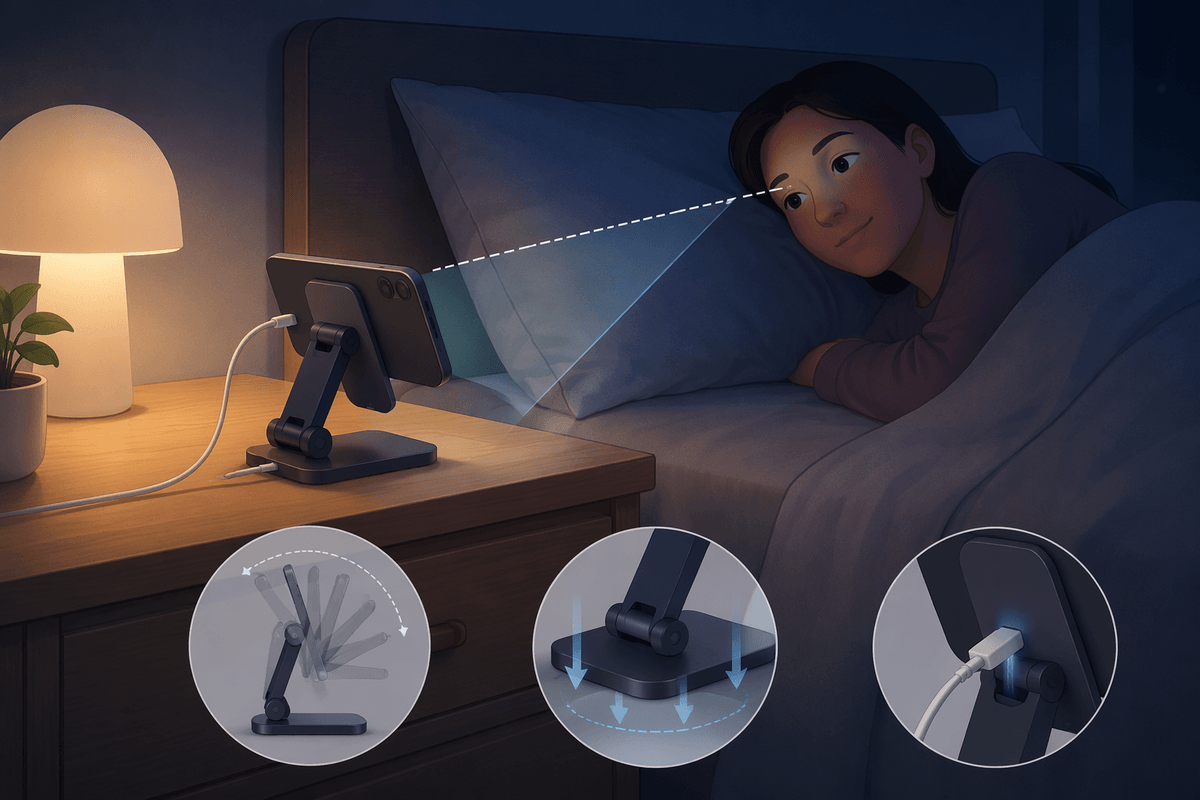
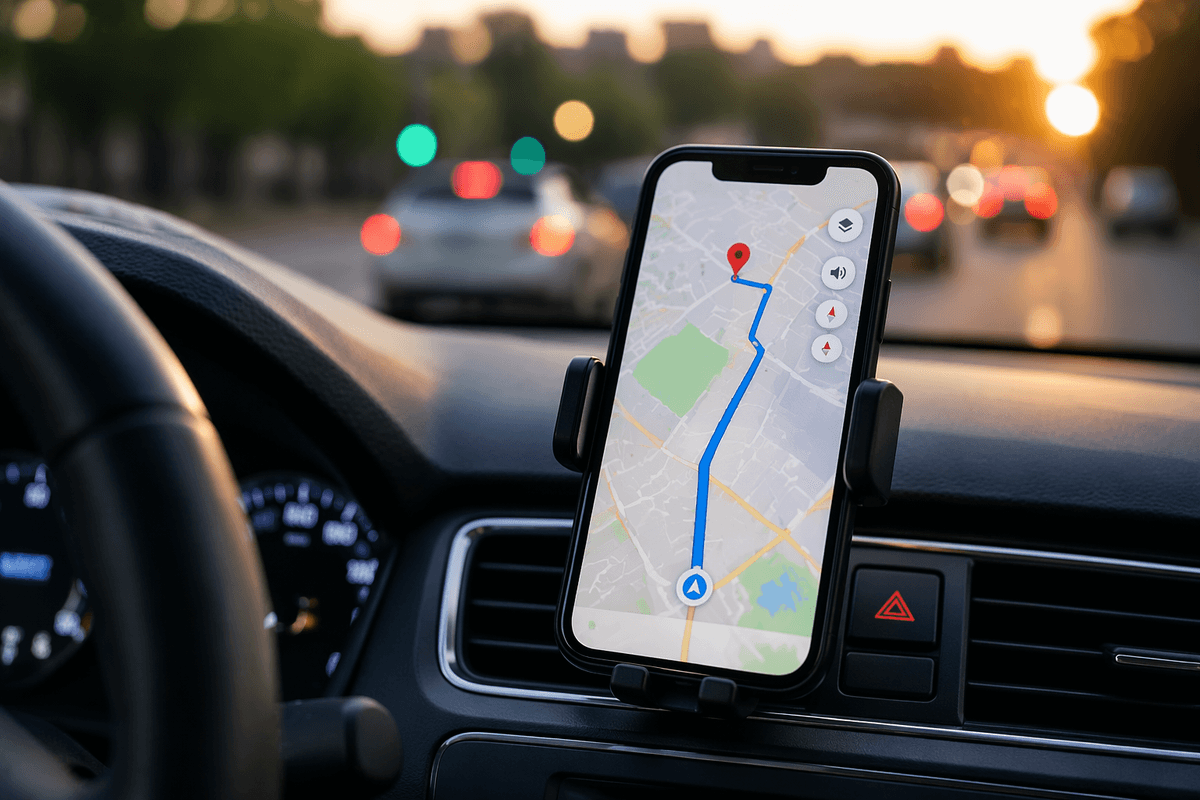
A bedside table may be the easiest place to test StandBy, but the charger still decides whether it feels built in or awkward. If the phone lands flat, StandBy is mostly out of the running. You need a setup that holds it sideways, keeps it stable, and leaves the screen easy to read from where you already sit or lie down. That sounds minor. In practice, it changes everything.
A MagSafe stand usually gives the cleanest result because it fixes the angle every time. Drop the phone on, and the screen faces you. A basic cable can work, but only if you also have a stand that does not slide, wobble, or tip when you reach for the phone at night. Cheap stands often fail here. They put the screen too upright, too low, or slightly off to one side, which is enough to make clocks and widgets harder to catch at a glance.
Power matters too. If charging is slow, unreliable, or blocked by a case that shifts the connection, you stop trusting the setup and stop using StandBy with it. Once the hardware disappears into the routine, you can judge the screen itself more honestly.
Bedside use is the easiest case to judge
At night, the test is simple because the job is simple. You want to glance over and get one thing fast: the time, the next alarm, maybe whether charging actually started. If StandBy helps from your normal sleeping position, it earns its place quickly. If you have to lift your head, focus through a bright photo stack, or wonder which widget is showing, the feature already feels heavier than the problem it solves.
This is also the setting where small annoyances show up fast. A screen that feels fine at a desk can feel too bright at 2 a.m. A stylish widget layout can turn into clutter when you are half awake. Even a good clock loses value if notifications, motion, or auto-dimming make it inconsistent from one night to the next.
That is why bedside use gives you a clean verdict. Keep the layout plain, favor large time and alarm information, and see whether you actually look at it for a week. If it works here, the desk becomes a more interesting test.
At a desk, glanceability has to beat distraction
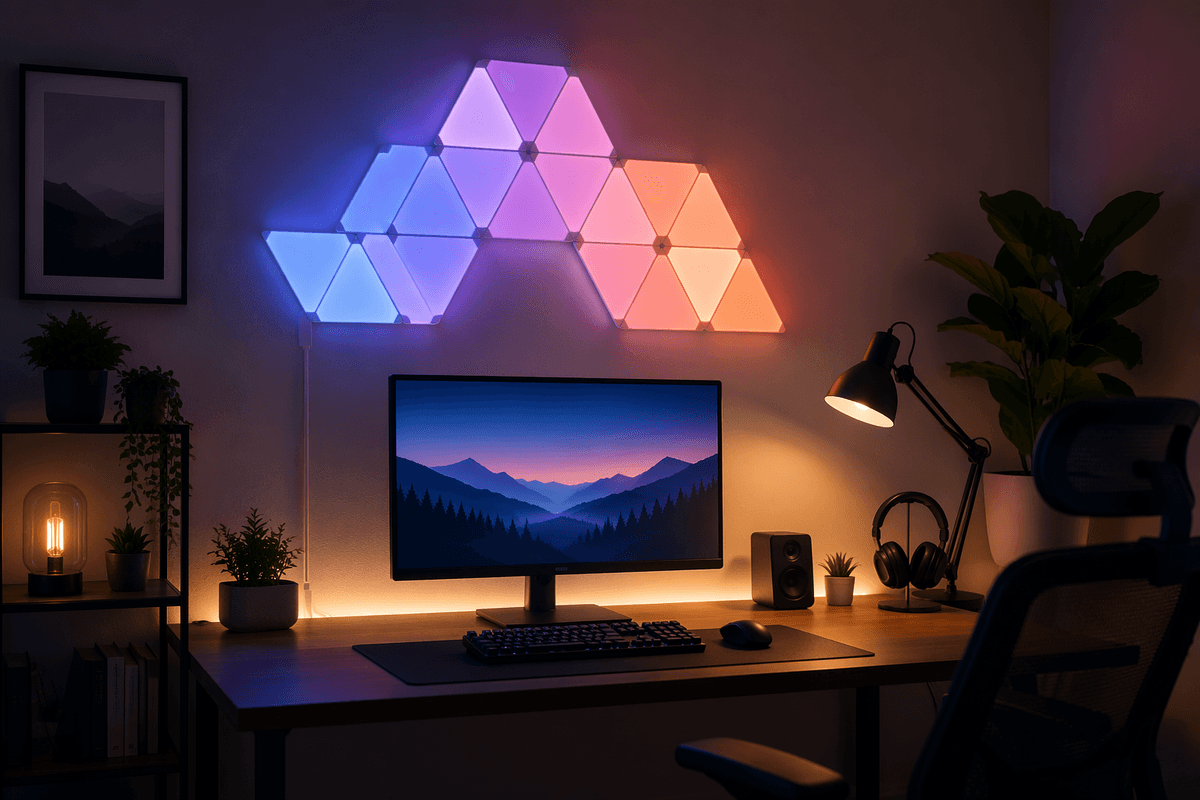
At a desk, the phone competes with everything else in front of you. A monitor already shows the time, your calendar, messages, and music controls. So StandBy only helps if it lets you check something faster than waking the phone, switching windows, or reaching for the mouse. If it does not save a step, it turns into one more lit screen sitting in your peripheral vision.
This is where layout matters more than features. A large clock, a clear next event, or simple playback controls can work well when the phone sits just off to the side of your monitor. Photo stacks and busy widget combinations usually do the opposite. They pull your eye without giving useful information back. That gets old during a workday.
Placement matters too. Too low, and you ignore it. Too close, and you keep checking it. The kitchen is harsher still, because usefulness there has to survive distance, motion, and messy hands.
The kitchen test reveals whether it becomes background
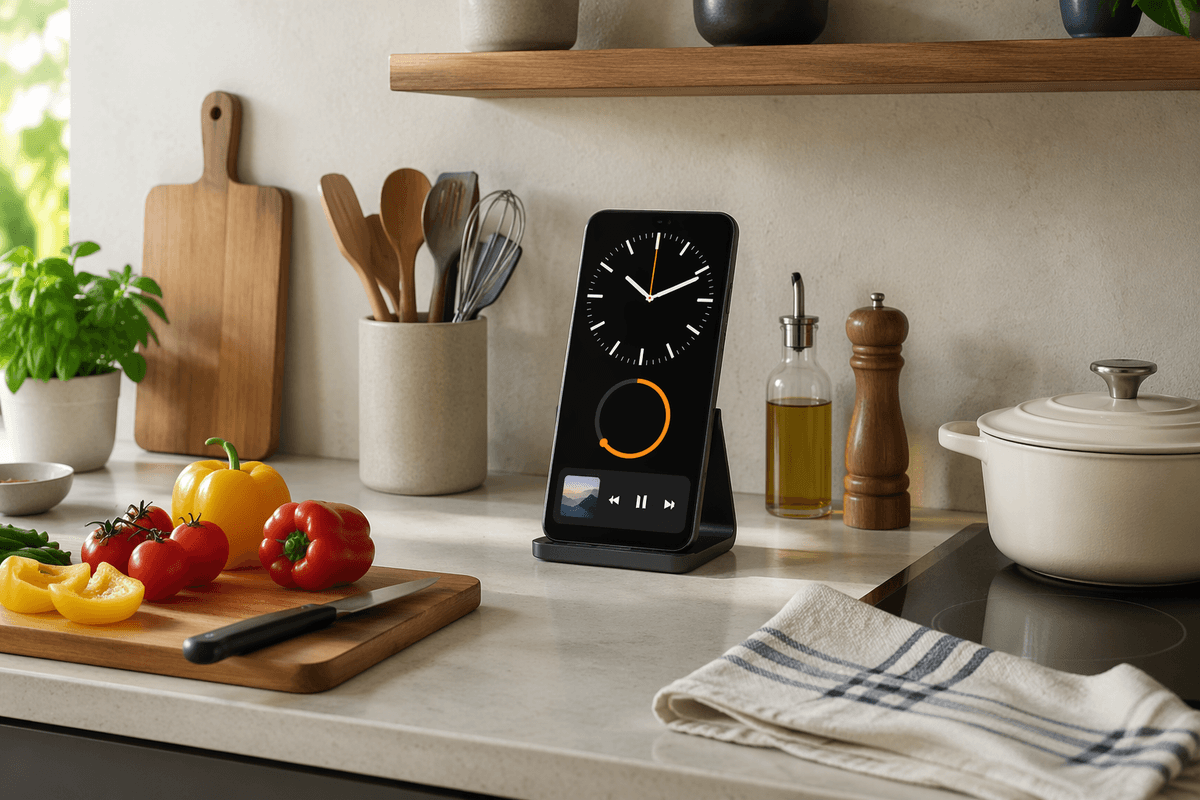
In the kitchen, you usually look up while doing something else. Your hands are wet, you are across the counter, a timer is running, music is playing, and you want the answer in one glance. That makes this the hardest room for StandBy to fake. If the text is small, the angle is off, or the phone sits behind a utensil crock, you will stop using it without making a conscious decision.
A simple setup tends to work best here: a large clock, one clear timer or music widget, and a stand that keeps the screen visible from the prep area. Photos rarely earn their space in this room. They look nice for a day, then turn into motion and color you tune out. The same goes for dense widget stacks. From six or eight feet away, most of that detail disappears.
If StandBy helps when you cannot easily touch the phone, it has a real job. If not, it becomes counter decor. That is a useful answer, because what keeps it on is not novelty but repeated payoff.
What makes StandBy worth leaving on
You keep StandBy on when it removes a small but repeated step from parts of the day that already happen. A clear bedside clock, a desk view with the next event, or a kitchen timer you can read with wet hands can justify it on their own. If you only notice it when you are testing it, the habit will not stick. If you miss it when the screen is dark, that is the signal.
Treat it like furniture, not a feature list. Give it one job in one place, keep the layout plain, and let the charger setup do the work. The limit is simple: once it starts feeling busy, bright, or fussy, turn it off there and keep it where it earns the space.