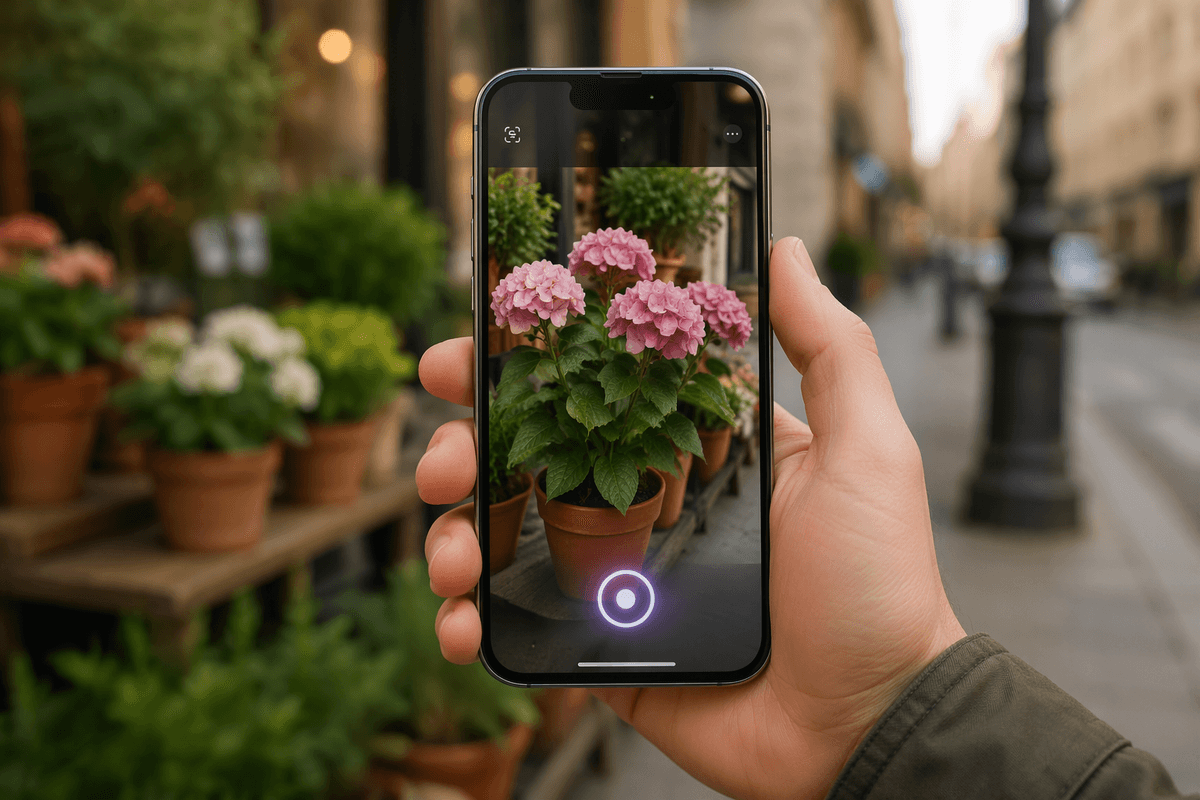
Cooking often feels like trial and error in the beginning. You have a recipe, a pile of ingredients, and only a vague sense of what the finished dish should be. Many apps exacerbate the issue by providing lengthy videos or static instructions that are difficult to follow. Zest takes a different path. Instead of being another recipe library, it acts like a personal coach, teaching you how and why behind each step. If cooking has always felt overwhelming, Zest makes the process approachable.
What Makes Zest Different?
Zest initially appears to be a recipe app, but its structure is more akin to a language-learning platform. Rather than endless scrolling, you move through lessons that teach kitchen basics, techniques, and flavor building. The setup feels familiar to anyone who has tried Duolingo—short lessons, progress tracking, and skills that build on one another.
The app assumes nothing. It starts at the ground level, from chopping vegetables to searing meat. Voiceover guides and built-in timers create a steady rhythm, helping you understand when to act and how to gauge progress. The instructions are clear, straightforward, and designed for real home cooks, not professionals.
What makes Zest effective is its structure. Lessons come in a sequence that makes sense—knife skills before stir-frying, seasoning before sauce-making. By following the path, you gradually develop a toolkit of techniques. Instead of memorizing a recipe, you’re gaining the ability to approach a wide range of dishes with confidence. Cooking becomes less about memorization and more about understanding.
Cooking Lessons Built for Real Life
Where Zest separates itself from traditional apps is its emphasis on teaching principles. Most platforms push you through recipes that only work if you follow them exactly. Zest does the opposite. Each lesson is designed to teach transferable skills that can be applied across multiple dishes. You might learn to sauté vegetables, but the lesson focuses on the technique itself rather than one fixed result.
The app engages all your senses. Instead of only saying “stir for two minutes,” Zest explains what the food should look, smell, or sound like at each stage. When you learn to brown butter, for example, you’re guided to notice the nutty aroma and golden color. This sensory approach builds intuition, making you less dependent on timers and measurements.
Flexibility is another strength. Zest often suggests ingredient swaps, encouraging you to use what’s already in your kitchen. This prevents cooking from becoming expensive or wasteful. You’re not tied to shopping lists that require obscure items—you’re encouraged to think creatively. That shift from rigid recipes to adaptable methods helps users grow more confident, especially when improvising with pantry staples.
And the pacing works well for real households. Many lessons are short, under 10 minutes, which makes them easy to fit into a weeknight routine. If you’re interrupted, you can pause or revisit sections without losing your place. Zest adapts to the unpredictability of cooking at home, offering guidance without demanding perfect focus.
Designed to Keep You Coming Back
Zest borrows the best parts of gamification without making you feel pressured. There are no streaks to maintain or leaderboards to compare yourself against. Instead, you get a clear sense of progress, completing lessons one step at a time. That balance keeps motivation high while removing the stress of missing a day.
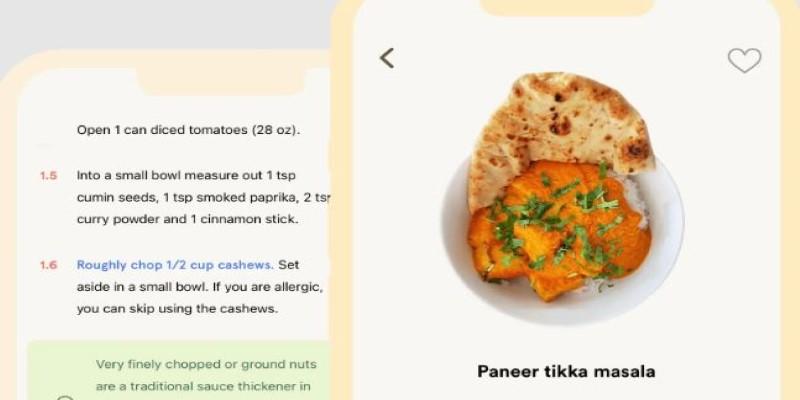
The app’s design is clean and minimal. You’re guided straight into the next lesson, avoiding clutter or endless options. Whether you’re standing by the stove or checking it on your phone at lunch, the interface is easy to follow. This makes the experience practical for everyday use.
The tone also matters. The voice instructions are calm and steady, without exaggerated enthusiasm. Unlike flashy food channels that often focus more on personality than teaching, Zest feels grounded. It respects that you're learning in real-world conditions—tired after work, cooking in a small kitchen, or juggling family needs. Instead of trying to entertain, it focuses on guiding you through cooking with clarity and precision.
Access is another appealing factor. Much of the content is free, and while there are optional premium features, the majority of lessons are accessible without a paywall. This makes it easier to keep returning to the app without feeling pressured to subscribe. For many, that accessibility may be what helps them stick with it long enough to truly learn.
Why Zest Might Be the Best Way to Learn Cooking Today?
For many people, cooking can feel intimidating. They recycle the same three or four meals, not out of love, but out of habit. The idea of branching out feels risky without guidance. Zest directly addresses that hesitation. It shifts the focus away from simply executing recipes and toward developing lasting kitchen skills.
It’s neither a traditional recipe app nor just another social feed of viral food hacks. Instead, it acts as a steady instructor, teaching you how to think while you cook. Over time, you need it less, not because it lacks content, but because you’ve absorbed the skills. That’s a mark of effective learning.
This reflects a larger trend in how people approach new skills. Structured learning, small lessons, and practical application feel more natural than one-off tutorials. Zest captures that mindset and applies it to food, turning something that often feels intimidating into something you can steadily build over time. It makes cooking less about stress and more about progress.
Conclusion
If you’ve ever stood in your kitchen wondering where to start, Zest offers a solution. Like Duolingo changed how people learned languages, Zest is shaping how people learn to cook. It’s clear, adaptable, and focused on teaching skills you’ll use. In a world full of apps that promise to improve your cooking, Zest may be one of the few that genuinely delivers.