The price jump feels harmless before real life
On a product page, the jump from the regular flagship to the Ultra or Max model can look oddly small. Spread over a two- or three-year upgrade cycle, another $200 to $500 feels easy to justify, especially when the bigger phone adds more camera hardware, a larger screen, and a bigger battery. The problem starts later, when that extra cost leaves the abstract world of specs and lands in a monthly payment, trade-in gap, or higher sales tax.
That is where many buyers get stuck. The expensive model promises more, but daily use does not reward every upgrade equally. Some changes show up every hour. Others appear only on trips, at night, or in side-by-side comparisons. That gap between visible specs and lived value is the real decision.
Will the larger body make daily use better?

You usually feel the size difference before you notice any feature tied to it. A larger phone gives you more screen for maps, typing, video, and split-screen apps, and that can make daily use easier if your phone already feels cramped. Reading long messages on a train or editing a spreadsheet in a parking lot is simply less fiddly on a bigger display.
But the larger body changes ordinary moments too. It pulls harder on a pocket, presses against your hand during one-handed use, and becomes annoying fast if you walk, commute, or hold your phone while doing something else. The benefit also depends on how you use it. If you mostly answer messages, check social apps, and take quick photos, the extra size often fades into the background after a few days.
That makes this a comfort decision more than a spec decision. If the regular model already fits your hand and habits, the bigger phone may solve a problem you do not actually have. The size starts to pay off more clearly when it supports something else you will use every evening.
When the camera upgrade only shows up on trips
You see the camera gap most clearly when you step outside your usual routine. On vacation, at a concert, or during a child’s game, the Ultra or Max model can earn its price. A longer zoom helps when you cannot move closer. A larger sensor can save a dim restaurant shot that the regular phone turns soft or noisy. In those moments, the upgrade is real.
At home, the difference often shrinks. Most people shoot pets, food, receipts, selfies, and quick pictures in decent light. The regular flagship already handles that well, and many expensive camera gains stay hidden unless you crop hard, shoot at night, or compare photos side by side. There is also a practical catch: better hardware often comes with a bigger camera bump, more weight, and a higher repair bill if the phone drops.
So the camera question is less about image quality in general and more about how often you run into limits. That same test gets sharper once the day gets longer and the battery starts carrying more of the load.
By evening, does the cheaper phone still hold up?
You notice battery differences when the day goes slightly wrong. A regular flagship can feel perfectly fine through email, messaging, music, and short video clips, then start looking less comfortable after heavy navigation, bright outdoor use, lots of photos, or weak cell signal. Those are normal days, not edge cases. If you often leave home in the morning and do not charge again until night, the larger phone’s extra battery can matter in a way a camera spec rarely does.
That said, capacity on paper does not tell the whole story. A bigger model may last longer, but it also often drives a larger, brighter screen, and that extra space invites more use. By evening, the gap can shrink if your habits expand to fill it. The cheaper phone also gets easier to live with if you work near a charger, keep a car cable, or top up wirelessly at a desk.
Battery is practical, not glamorous. And once both phones make it to bedtime, the next question becomes whether the pricier one still feels faster after the novelty wears off.
Do you notice extra speed after the first week?
You feel speed differences most when a phone is under slight pressure, not when it is brand new. Opening the camera from the lock screen, switching between maps and music, exporting a short video, or jumping back into a game after a call can expose the gap. If the Ultra or Max model has more memory, better cooling, or a stronger chip bin, those moments may feel cleaner. Apps reload less often. Heavy tasks finish sooner. The benefit is real, but it tends to show up in bursts rather than all day.
For ordinary use, the gap often fades fast. Messaging, web browsing, banking, streaming, and social apps already run smoothly on the regular flagship, so extra power has little room to impress once setup week ends. There is also a cost hidden inside this upgrade: paying several hundred dollars for speed you mostly notice in edge cases is easy to regret. Performance matters more if you keep many apps open, edit media on your phone, or plan to hold onto it long enough for slower aging to matter.
Will the expensive model actually age more gracefully?
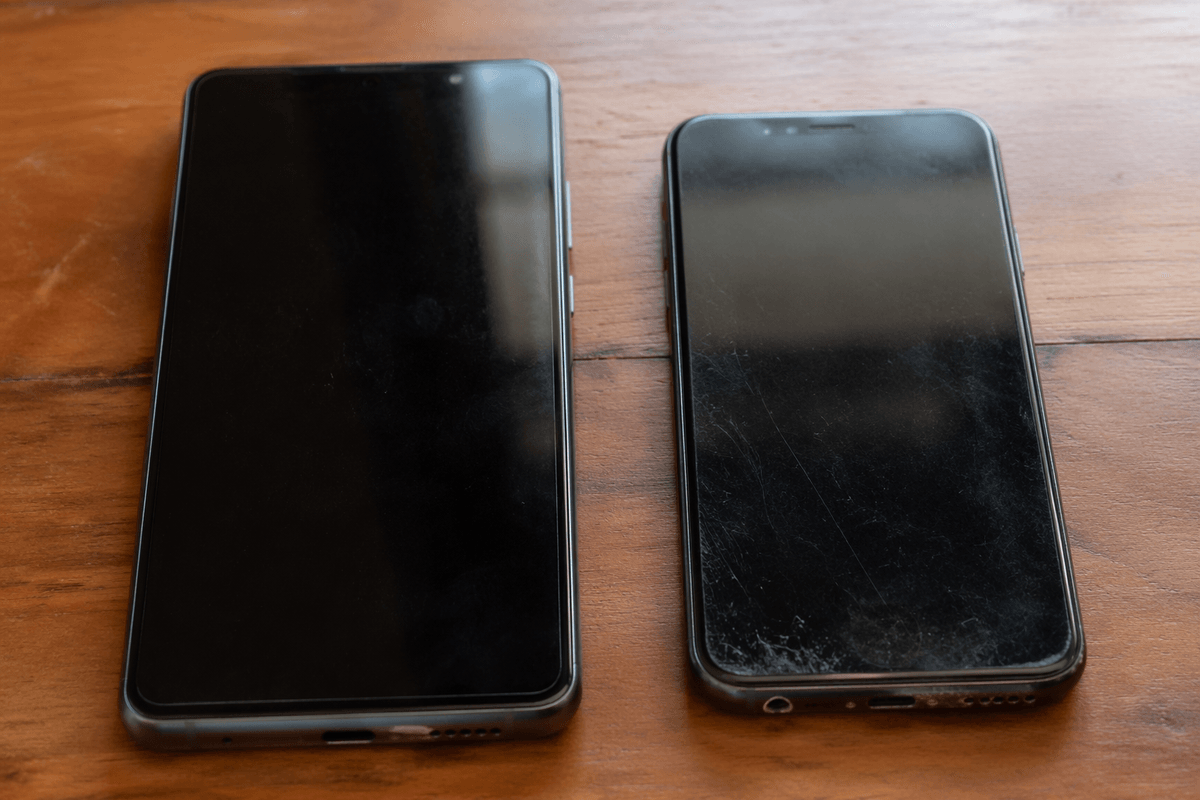
You usually test longevity by imagining year three, but the signs show up much earlier. If you keep phones for four or five years, the expensive model can age better for plain reasons: a bigger battery has more room to decline before it feels bad, extra memory helps newer apps stay open, and higher storage tiers leave more space for photos, videos, and offline downloads. That does not make the Ultra or Max automatically the smarter long-term buy. It just means the hardware gives you more margin before small annoyances pile up.
The catch is that aging well depends on what actually wears out in your hands. Battery health drops on every phone. Screens crack on every phone. A pricier model can even cost more to keep alive because repairs are often higher, and larger phones are easier to drop if they already feel awkward. Software support also tends to be similar across both models in the same lineup, so paying more does not always buy extra years of updates.
That shifts the question from “Will it last longer?” to “Will I use the extra headroom before I replace it?” The answer becomes clearer when you stop thinking about value in theory and pin it to the kind of buyer who should spend Ultra money at all.
So when is paying Ultra money not wasteful?
Paying Ultra money makes sense when the expensive parts solve problems you hit every week, not ones you admire in a spec sheet. If you regularly end days near empty, shoot in dim places, zoom from far away, edit photos or video on your phone, or keep devices for years, the bigger model can earn its price through repeated use. In that case, you are not buying “more phone.” You are buying fewer workarounds.
If your days are mostly messages, casual photos, streaming, and charging near home or work, the regular flagship is usually the sharper buy. The useful rule is simple: pay for the upgrade only when you can name the moments that will use it.