Subscriptions rarely feel expensive until they pile up
A $6 add-on, a $12 streaming plan, a yearly cloud renewal that hits without warning—none of these feels like a serious money problem on its own. The trouble shows up when they stack across different dates, cards, and inboxes. What looked manageable in isolation turns into a monthly drag that is hard to name because no single charge feels big enough to demand attention.
That is why subscription waste often survives longer than obvious overspending. Trials roll into paid plans, annual renewals disappear between bank alerts, and services you still “might use” keep billing quietly. Most people do not need a full budget overhaul here. They need a simpler way to see what is active, what is due soon, and what has stopped earning its place.
Why those tiny renewals keep escaping notice

It usually happens in ordinary gaps between bigger decisions. A trial starts during a busy week, an annual plan renews months after you last thought about it, or a low monthly charge lands on a card you rarely review line by line. Because the amount is small, it does not create enough pain to force a check right away.
Timing makes the problem worse. Subscriptions renew on different days, through different stores, and sometimes under company names that do not match the app you remember signing up for. A video tool might bill through Apple, a storage plan through Google, and a meal perk straight to your card. Even careful people miss things when the record is split across inboxes, app stores, and bank feeds.
That is why the best tool depends less on price and more on how you want those scattered charges pulled back into view.
Do you want auto-detection or a simple list?
Most people hit the same fork right away: connect bank accounts and let an app hunt for recurring charges, or keep a plain list and enter each subscription yourself. If your charges are spread across cards and you want less manual work, auto-detection can save time. It can catch a gym fee, a forgotten app charge, and a yearly renewal you would not think to type in.
A simple list works better when you want control and fewer moving parts. You know exactly what is on it, when it renews, and which reminder matters. The downside is obvious. If you forget to add a free trial or a plan billed through Apple, the app cannot warn you later.
That choice matters because the four apps here are useful in different ways once you know which job you need them to do.
Where each of the four apps starts to click
If your subscriptions hit three cards, two app stores, and an email inbox you barely clear, Rocket Money and Hiatus start to make sense fast. They fit the person who wants the app to do some of the hunting. That matters when charges show up under odd billing names or annual renewals land long after the sign-up moment. The catch is that connected tracking can feel messy at first. You may need to review what the app found, ignore false matches, and decide how much account access you are comfortable giving.
Bobby and Subby click in a different setting. If you already know what you pay for and mainly want a clean list with reminders, manual entry is often enough. It is simpler, usually calmer, and easier to trust at a glance. But it only works if you keep it current. Miss one trial, and the reminder never comes.
So the right fit usually appears when you match the app to the job, not when you chase the longest feature list.
When Rocket Money or Hiatus earns your trust
You feel the value of Rocket Money or Hiatus when the problem is not remembering one renewal. It is finding the charges you did not realize were still live. If subscriptions run through several cards, bank accounts, or billing names, automatic scanning saves work that a manual list will miss. That is the point where these apps start to earn trust: they reduce the search job before they help with the cancel decision.
That trust still has to be checked. Connected apps can flag the wrong recurring charge, miss something billed through an app store, or surface so much at once that setup turns into its own chore. They work best for people who will spend a little time reviewing what was found, fixing labels, and keeping only useful alerts turned on. If that sounds reasonable, the real question becomes whether you want broad detection or a cleaner, more hands-on record.
Bobby and Subby solve a different problem
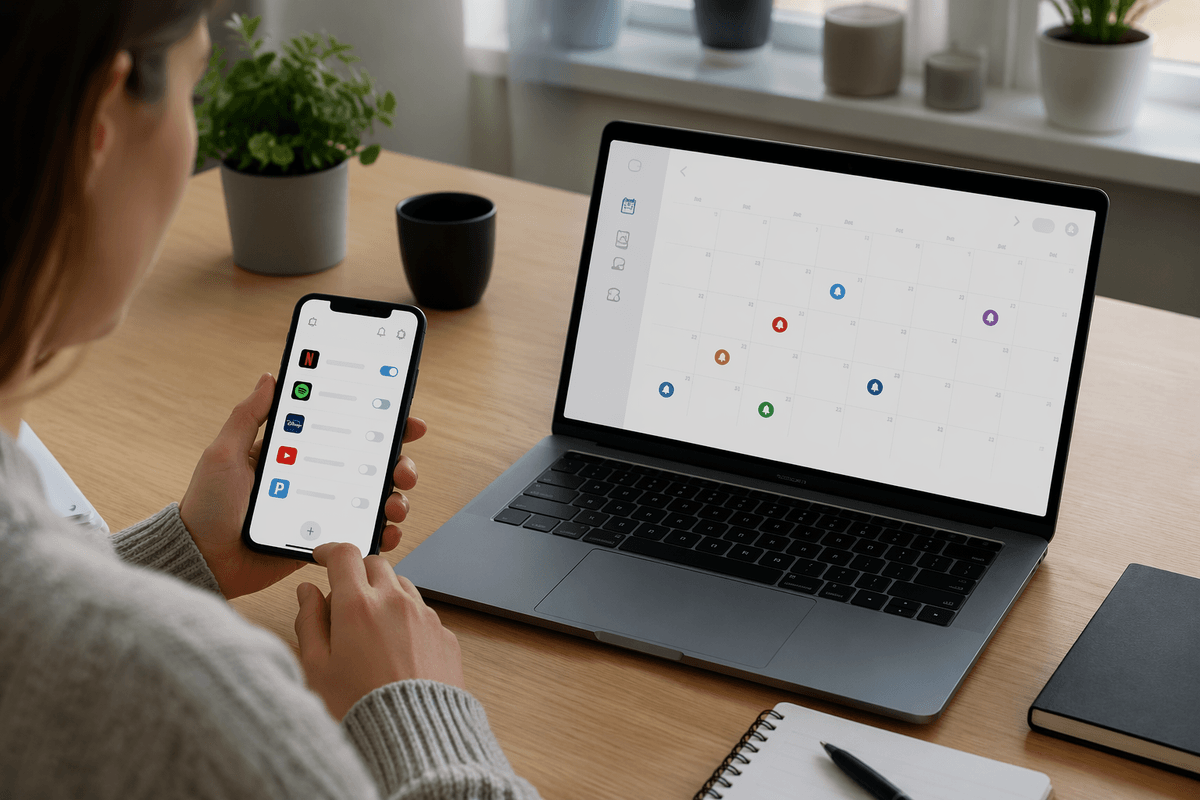
Bobby and Subby fit better when the hard part is not discovery but follow-through. You already know the services you pay for. What you need is a place to log them, see the next renewal date, and get a reminder early enough to act. In that setup, a manual tracker can feel faster than a connected app because it stays focused on the few details that matter.
That simplicity comes with a real demand: you have to maintain it. If you start a free trial and forget to enter it, Bobby or Subby cannot rescue you later. The same goes for price increases, plan changes, or a yearly renewal you never added in the first place. These apps work best for people who want a clean personal record, not a tool that searches for surprises.
That difference matters once you stop comparing features and start choosing the setup you will actually keep using.
Pick one setup before you start pruning
If you begin by canceling at random, you usually create a mess. One app sends reminders, another scans accounts, and now you are checking both while still opening bank statements “just in case.” A simpler start works better: choose one main setup first. Either use one auto-detection app to find recurring charges, or use one manual tracker to hold a clean list you will actually maintain.
That choice cuts down false starts. If your subscriptions are spread across cards, app stores, and old email accounts, pick Rocket Money or Hiatus and spend one session reviewing what it finds. If you already know your lineup, pick Bobby or Subby and enter everything in one pass, including annual plans and free trials. Do not mix methods on day one unless you enjoy admin work, because duplicate reminders and partial lists get confusing fast.
Once the system is stable, canceling gets easier because you are deciding from a clear record instead of reacting to scattered charges.
A lighter system can still save real money
Once you can see renewals before they hit, small decisions stop leaking money. Cancel one delivery perk you use twice a month, drop a backup cloud plan, switch one software tool to annual or free, and the total can cover a utility bill or part of your phone plan. The savings often come from three or four quiet fixes, not one dramatic cut.
That is the useful shift: do not build a bigger money system than this problem needs. Pick the lightest setup you will keep checking, trust it enough to act a few days before each renewal, and let that routine do the work. Simple is not weak if it gets used.