Why Adding Android Auto Feels Harder Than It Should
You can buy a phone mount in five minutes, but getting Android Auto to feel built in is where the confusion starts. Older cars rarely give you one simple upgrade path. A dash may have the wrong shape, the factory stereo may control backup cameras or climate settings, or the cheapest option may leave wires hanging across the console.
That is why this decision gets messy fast. The real question is not just whether Android Auto can work in your car. It is which setup will still feel easy on a Monday commute, a long trip, and six months from now. That starts with what your dashboard will actually allow.
What Will Your Dashboard Actually Allow?
Most older cars force the same first reality check: the dash decides more than the product box does. If your stereo sits in a standard single-DIN or double-DIN opening, your choices stay fairly open. If the factory unit is molded into a wide plastic panel or tied to car settings, the clean upgrade you pictured may turn into custom trim parts, extra modules, or a dead end.
This is where many people waste money. A replacement head unit can look affordable until you add dash kits, wiring adapters, steering-wheel-control interfaces, and installation time. In some cars, the screen also shares space with backup camera controls, vehicle menus, or even the clock. Pulling it out is not always a simple swap.
Start by checking the shape of the opening, what the factory screen controls, and whether you have room above the dash, on the windshield, or on an air vent for something external. That usually narrows the field fast and points to the option that fits without a fight.
A Portable Screen Might Solve More Than Expected
A common outcome at this point is realizing the dash itself is the problem, not Android Auto. If the factory stereo is buried in the dash or tied to car settings, a portable screen can bypass most of that. You mount it on top of the dash or windshield, plug it into power, pair your phone, and route sound through Bluetooth, AUX, or FM.
That solves more than installation effort. It also avoids trim kits, wiring adapters, and the risk of taking apart an older interior only to end up chasing rattles or electrical issues. For many drivers, that is the fastest path to maps, calls, and music on a larger screen without turning the car into a weekend project.
The catch is that portable units still need a place to sit and a clean way to hide the power cable. In some cars, the screen can block vents, look tacked on, or shake on rough roads. If you like the idea but want something that feels less temporary, screen style starts to matter.
Ready to Swap the Factory Stereo?
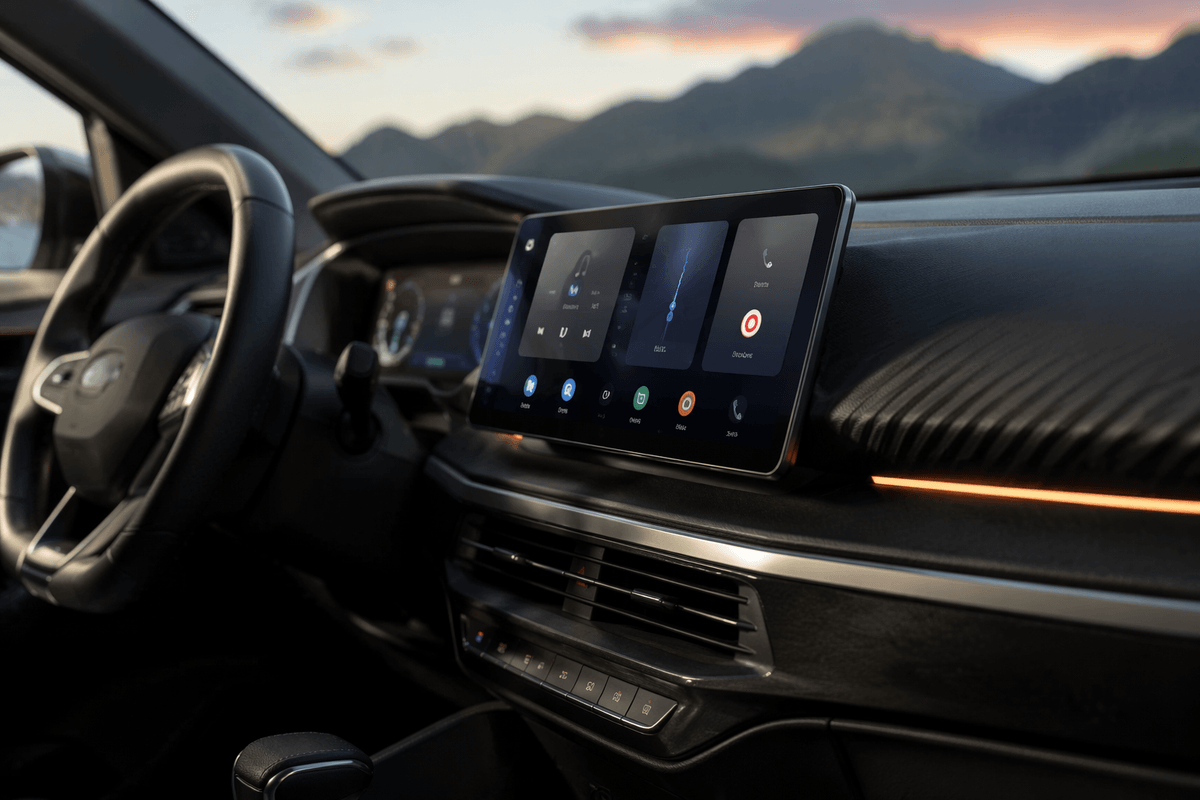
If your car has a standard double-DIN opening and the factory radio does not run key vehicle settings, replacing the stereo can be the cleanest upgrade. You get Android Auto on a screen that sits where the old unit lived, with power and audio handled in one place. In daily use, that usually feels more natural than adding a separate screen to the dash.
The appeal is easy to see. A good head unit can give you better sound, faster touch response, wired or wireless Android Auto, and direct support for backup cameras and steering-wheel controls. If you already dislike the factory stereo, this route fixes two problems at once.
The hard part is what happens before the first drive. The stereo price is only part of the bill. Dash kits, wiring harnesses, data modules, and install labor can push the total far past the number that caught your eye online. And if your dash shape is unusual, even a technically compatible unit may still look aftermarket. That matters less if a floating screen design can fit the cabin better.
When a Floating Screen Fits Better
Some dashboards technically accept a new stereo, yet the screen still ends up sitting low, small, or partly hidden behind the shifter. That is where a floating-screen head unit can make more sense. The chassis mounts in a single-DIN or double-DIN slot, but the display sits higher and farther forward, more like a tablet anchored to the dash.
That layout can fix a practical visibility problem. If the factory opening is down near the climate controls, a larger floating screen brings maps closer to eye level without forcing you to look away as long. In a car with a shallow dash opening, it can also give you a bigger display than a flush-mounted unit would allow.
It is not a universal win. A floating screen can block vents, cover buttons, or look oversized in a small cabin. You also need enough clearance so the screen does not interfere with gear changes or a phone mount. If the fit works, though, the next question is whether you need to keep the factory screen in place.
Can the Factory Screen Stay in Place?
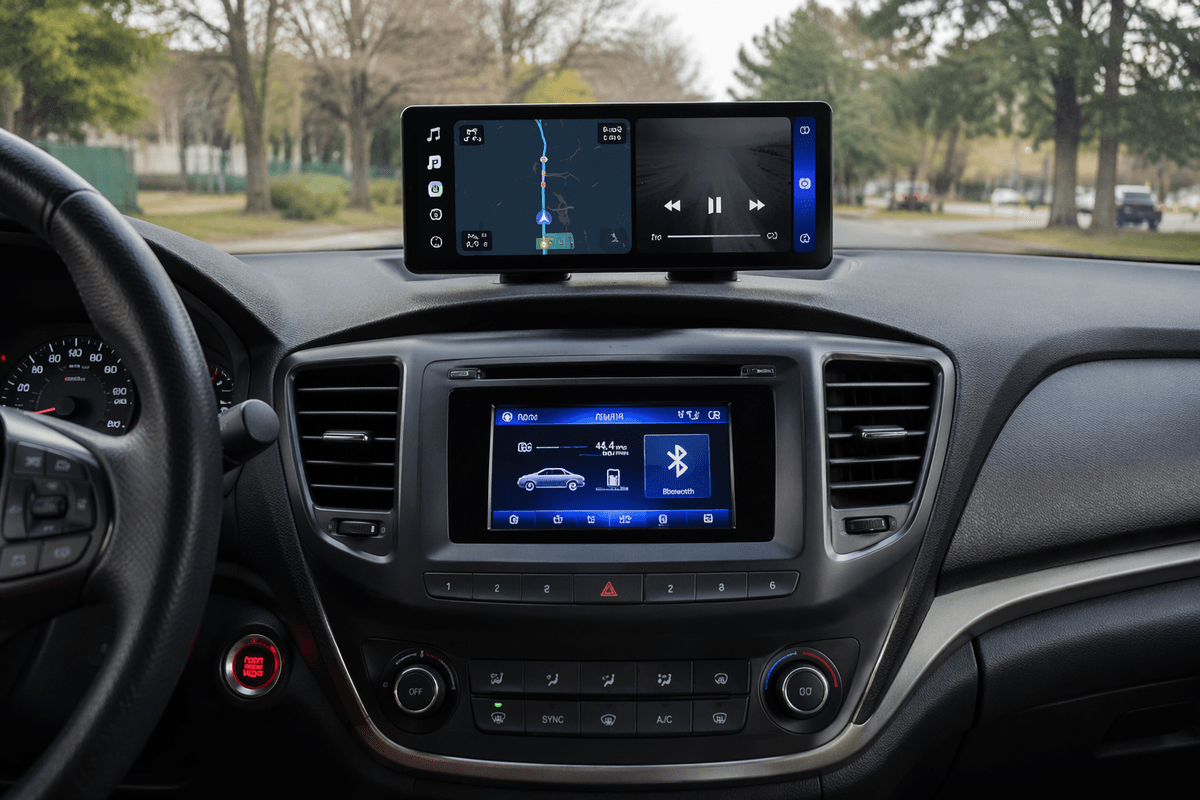
That question matters most in cars where the original screen does more than show radio info. If it handles climate menus, backup camera views, vehicle settings, or warning messages, removing it can create more problems than Android Auto solves. In that case, keeping the factory screen in place and adding Android Auto somewhere else is often the smarter move.
The usual answer is an add-on screen or a phone-based setup that works alongside the stock system. You leave the built-in display alone, keep the car’s original functions working, and use a separate screen only for navigation, calls, and music. This is common in older luxury cars and many mid-2010s models where the factory display is tightly tied to the dash. It can also cost less than trying to force a full replacement with special modules.
The downside is daily clutter. You may end up with two screens, two control layouts, and one more cable or mount to manage. Audio routing can also feel less tidy if you have to rely on Bluetooth delay, AUX input, or FM. If that still sounds easier than tearing into the dash, the best choice now is the one you will actually use every day.
Choose the Setup You Will Actually Use Daily
The best setup is usually the one that asks the least from you after the install. If you want the quickest win and your dash is awkward, a portable screen often makes the most sense. If your car has a standard opening and you want the cleanest daily experience, a replacement head unit is easier to live with. If screen position is the real problem, a floating model can fix it. If the factory display runs car functions, leave it alone and add Android Auto beside it.
Choose for Monday morning, not for the product photo. A system that looks cleaner but costs too much, blocks vents, or takes hours to wire often ends up feeling like a mistake.